How to Perform Basic Computer Repairs at Home: A DIY Guide for Beginners


Getting Started with Basic Computer Repairs
Tackling computer repairs at home can save you both time and money. With a little patience and the right guidance, you can address many common issues yourself. This guide will walk you through some basic repairs that beginners can handle with ease.
Before you begin, ensure you have a clean workspace and the necessary tools, such as a screwdriver set, a can of compressed air, and an anti-static wrist strap to protect your components.
Diagnosing the Problem
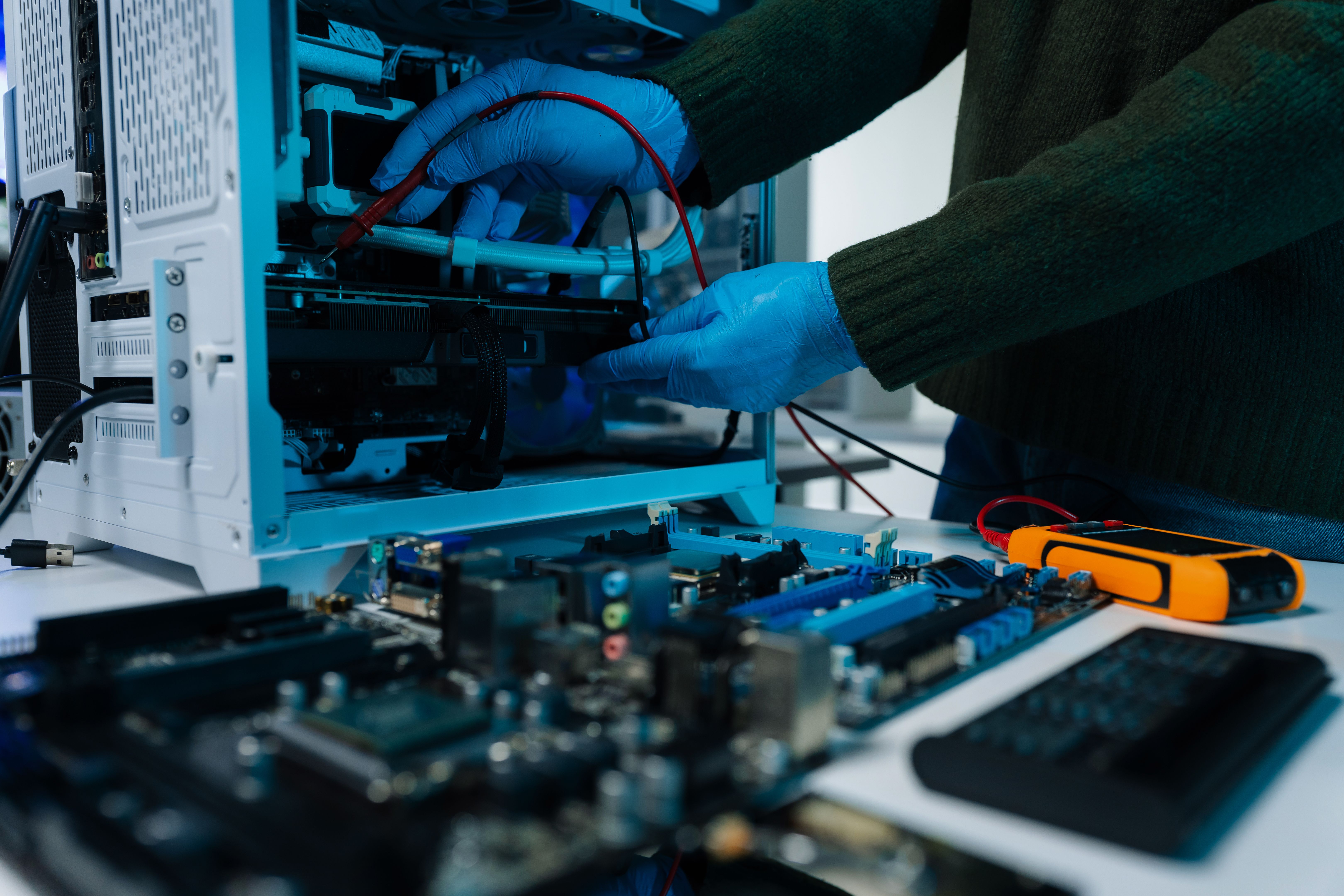
The first step in any repair is diagnosing the issue. Listen for unusual noises, observe error messages, and note any recent changes in performance. These clues can help you identify whether the problem is hardware or software-related.
For software issues, try restarting your computer or running a virus scan. If the problem persists, consider rolling back recent updates or restoring your system to a previous point.
Hardware Repairs
Cleaning Your Computer
A common issue that affects computer performance is dust buildup. Regularly cleaning your computer can prevent overheating and improve efficiency. Use a can of compressed air to blow out dust from fans, vents, and other components.

Replacing or Upgrading RAM
If your computer is running slowly, upgrading or replacing the RAM can make a significant difference. First, power off your computer and unplug it. Open the case and locate the RAM slots. Carefully remove the existing RAM sticks and replace them with new ones, ensuring they click securely into place.
Software Troubleshooting
Resolving Software Conflicts
Software conflicts can cause programs to crash or your system to slow down. Check for updates for your operating system and applications. Uninstall any recently added software that might be causing issues.

Dealing with Viruses and Malware
Viruses and malware can wreak havoc on your computer's performance. Use reputable antivirus software to perform a thorough scan and remove any threats. Regularly updating your antivirus program will help protect your system from future infections.
When to Seek Professional Help
While many basic repairs can be handled at home, some problems may require professional assistance. If you're uncomfortable opening your computer or the issue persists despite your efforts, it's best to consult a professional technician.
By following these simple steps, you can perform basic computer repairs at home with confidence. Remember, practice and patience are key to becoming proficient in DIY computer maintenance.