How to Maintain Your Computer: Tips from Woburn's Tech Experts


Regular Cleaning
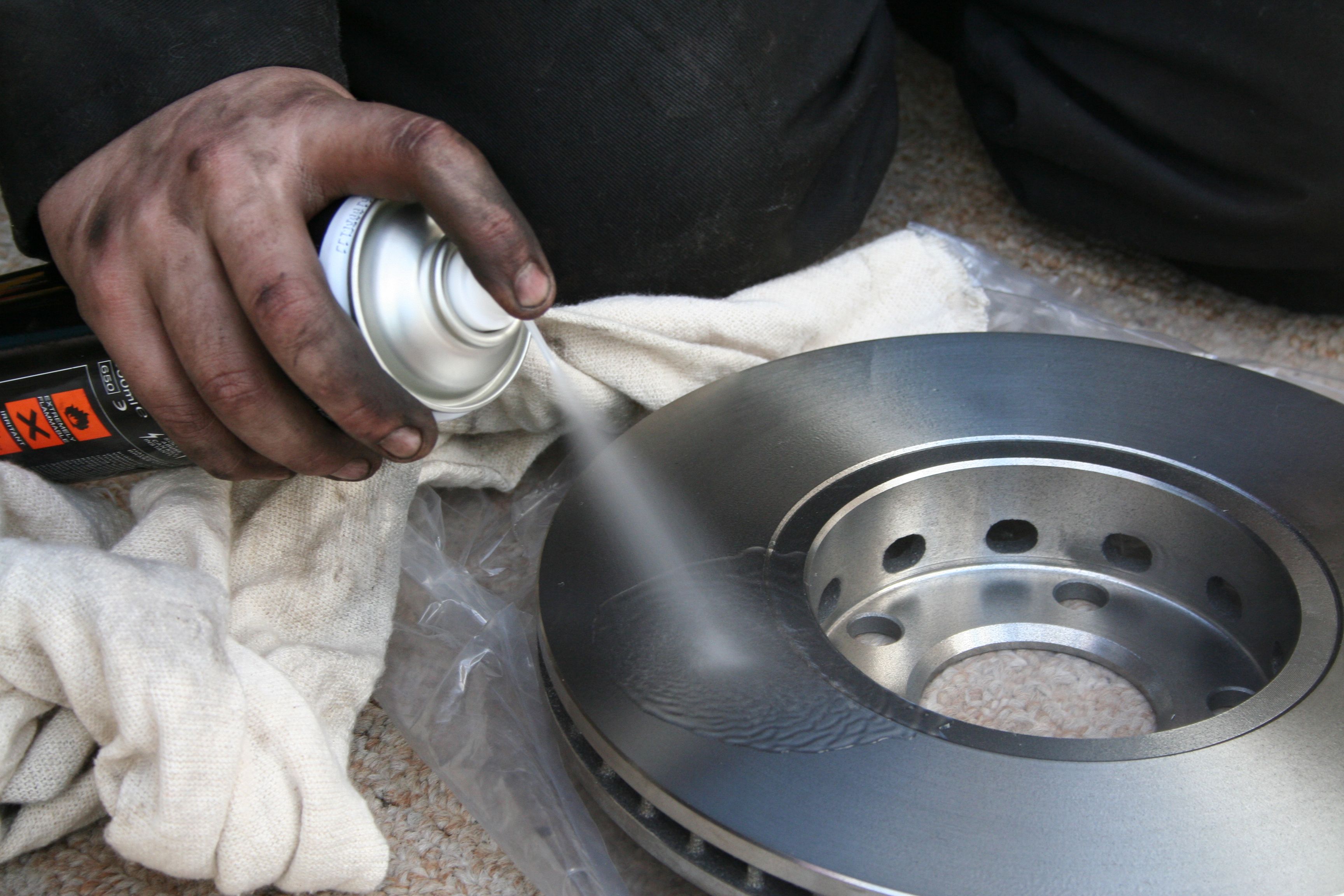
Maintaining your computer begins with regular cleaning. Dust and debris can accumulate inside your computer, causing it to overheat and malfunction. Use compressed air to gently blow out dust from the vents and the keyboard. Ensure your computer is turned off and unplugged before you start.
Don't forget the screen! Use a microfiber cloth and a screen-cleaning solution to wipe away fingerprints and smudges. Keeping your computer clean not only enhances its appearance but also prolongs its lifespan.
Software Updates
Keeping your software up to date is crucial for maintaining your computer's performance and security. Regular updates often include patches and fixes for vulnerabilities. Set your computer to automatically update to ensure you're always protected.
In addition to operating system updates, make sure all your applications and antivirus software are current. This practice helps safeguard your personal information and keeps your system running smoothly.
Managing Storage
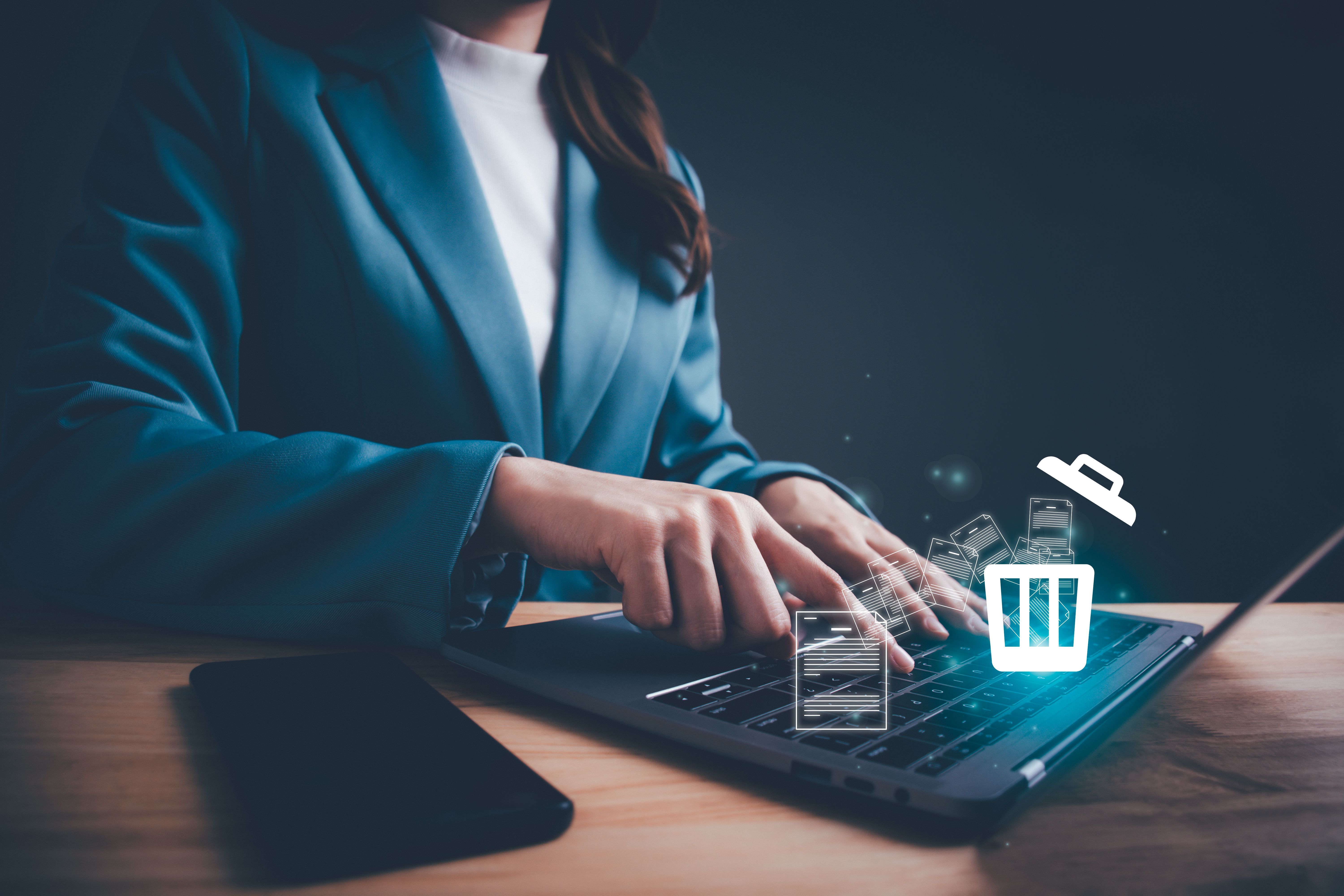
Over time, files and applications can clutter your hard drive, slowing down your computer. Regularly delete files you no longer need and uninstall unused programs. Consider using cloud storage solutions to free up space on your device.
Defragmenting your hard drive can also enhance performance, especially for older systems. Use the built-in disk cleanup tools to remove temporary files and optimize your storage.
Backing Up Data
Backing up your data is essential to prevent loss due to hardware failure or malware attacks. Regularly schedule backups using an external hard drive or a reliable cloud service. This practice ensures your important files and memories are always safe.
Consider using automated backup solutions to make the process hassle-free. A good backup strategy includes both local and offsite backups for additional security.
Monitoring Performance
Frequently monitoring your computer's performance can help you catch potential issues early. Use built-in tools or third-party software to check CPU usage, memory consumption, and disk activity. Identifying and addressing bottlenecks can significantly improve your computer's speed.
Additionally, regularly check for malware and remove any detected threats immediately. Keeping your system secure will prevent unauthorized access and data breaches.

Conclusion
By following these expert tips, you can maintain your computer effectively and extend its life. Regular cleaning, software updates, storage management, data backup, and performance monitoring are key practices. Implement these strategies, and your computer will serve you well for years to come.